
80/20 Rule in
Graphic Design
A poster meets you across a room. A book cover gets half a second on a shelf. A slide appears while someone is still speaking. You do not receive every type choice, color, image, and detail at once. You find an entrance, follow a path, and decide whether the rest is worth seeing.
That is where the 80/20 rule becomes useful in graphic design. It is a way to notice that a few hierarchy decisions carry the first encounter: what arrives first, what comes next, and what can wait.
Get those decisions right and there is more room for personality, not less. Loud color, quiet type, dense collage, spare geometry, and an unruly photograph can all work when the viewer knows where to begin. The craft starts by arranging attention.
A design is a route through attention
Visual hierarchy is simply the order in which the parts of a design ask to be seen. Size can lead. So can contrast, position, isolation, a face, an unusual shape, or a break in a repeated pattern. The strongest signal becomes the entrance; the relationships among the remaining signals create the route.
This is more than studio folklore. In an eye-tracking study of graphic-design posters, viewers who agreed that a design was good also tended to follow more similar viewing sequences. The researchers describe that shared sequence as evidence of stronger visual hierarchy (Visual Hierarchy Relates to Impressions of Good Design). The study does not provide a universal formula for good design. It supports the more useful idea that a composition can communicate where attention should go.
That route changes with the job. An event poster might need to deliver a name, date, and place. A report cover may need to establish subject and tone. A social graphic might exist to make one thought stop a thumb. An interface has to reveal an action as well as information, which is where graphic hierarchy meets user experience. Different surfaces, same first question: what should a person notice before anything else?
Build the three-shape version first
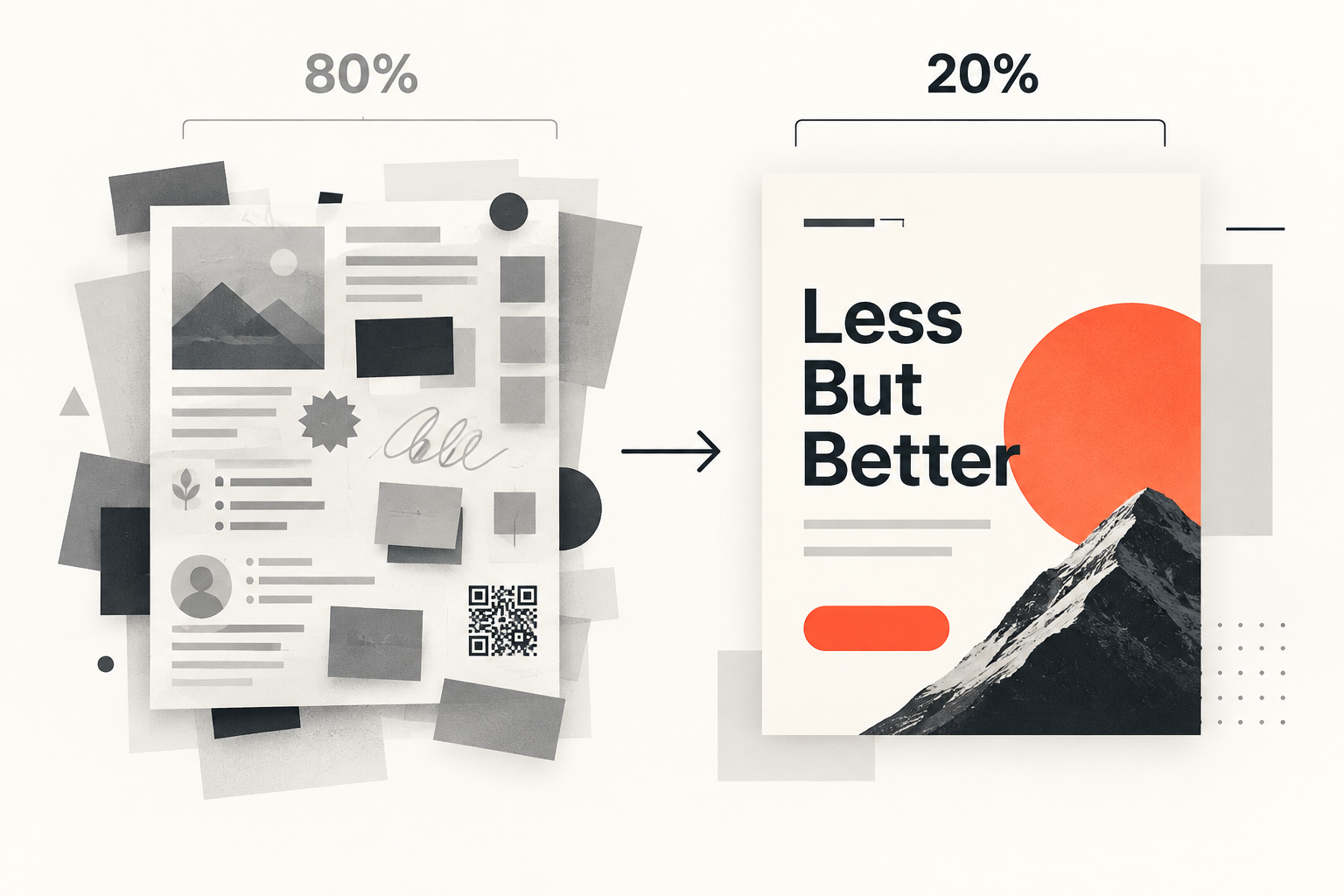
Before choosing a typeface, reduce the idea to three gray shapes. One shape stands for the first thing to see. One holds the next piece of meaning. One represents the supporting material. Make the first unmistakable, connect the second to it, and let the third stay quiet.
This rough composition is not a wireframe you must obey. It is a hierarchy sketch. A large block might later become a photograph, a dense title, or a field of color. A small block might become a date, price, caption, or logo. By postponing style, you can see whether the design has a readable idea underneath it.
The first shape does not always have to be the largest. A tiny red word in a pale field can lead because it owns the strongest contrast. A face can pull attention before a headline. A title can arrive through placement and space rather than volume. The point is not to make one thing enormous. It is to make the order intentional.
Contrast is a budget, not confetti
Every strong contrast spends attention. Large against small, black against yellow, serif against sans, sharp against blurred, moving against still - each difference says, “look here.” If every element says it at once, the design has plenty of energy but no direction.
Choose a small number of places where contrast has a job. Give the main message the clearest break from its surroundings. Let a second contrast reveal the next useful thing. Repetition can carry much of what remains. This is the 80/20 choice inside the composition: not fewer ingredients for their own sake, but unequal emphasis on purpose.
Contrast also has a practical floor when text must be read on a screen. WCAG 2.2 calls for at least 4.5:1 contrast for normal text and 3:1 for large text, with stated exceptions (W3C guidance on minimum contrast). Those ratios do not choose a palette or make a composition interesting. They prevent an expressive color decision from erasing the words it is meant to carry.
Space makes relationships visible
Viewers read distance as meaning. Put a date close to an event name and the two become a unit. Pull a caption away from its image and the relationship weakens. Align three fragments and they begin to feel related even before anyone reads them.
This is why empty space is active. It can separate groups, protect an entrance, or give a small element enough isolation to matter. It does not have to mean minimalism. A packed concert flyer can still use tight local groups, deliberate gaps, and repeated alignments. Density becomes confusing when everything is equally near, equally loud, and equally available.
A useful test is to cover the words and look only at the blocks. Can you tell which items belong together? Can you see a dominant group and a supporting one? If the answer is no, more careful copy or prettier icons will not reveal the missing structure.
One hierarchy can speak many visual languages
Hierarchy is sometimes mistaken for restraint: one respectable typeface, a neutral palette, a grid that behaves. But hierarchy is not a style. It is what lets style become legible.
The same attention route can be expressed with oversized condensed type or a small line surrounded by space. It can use a carefully cropped photograph, hand-drawn lettering, torn paper, ornament, or a hard geometric system. If the image is doing the emotional work, let type frame it instead of competing with it. If the words are the image, let the photograph step back. That conversation connects graphic design to both photography and art, but the designer still decides how the pieces meet a viewer.
Consistency matters for a different reason. Across a series, repeated type roles, spacing, colors, or shapes teach people how to read the next piece. In branding, those repetitions can also build recognition. Within a single composition, they create calm enough for one exception to feel alive.
Inspect it at the speed people meet it
Design software rewards close looking. Real settings often do not. The poster is down the hall. The thumbnail is small. The slide is gone. The page is being scanned for a useful heading.
Web eye-tracking research makes that last case visible. Nielsen Norman Group describes F-shaped scanning as a fallback that appears when a page offers few strong cues, not as a layout designers should imitate (F-shaped reading pattern). When hierarchy is weak, people make their own path and may miss what matters. The lesson travels carefully beyond web pages: do not assume patient, complete attention.
- Thumbnail: shrink the design until details disappear. Is the entrance still clear?
- Blur: soften your focus or step back. Which masses and contrasts survive?
- Grayscale: remove hue for a moment. Was color hiding weak value contrast or unclear grouping?
- Three-second recall: look briefly, turn away, and name what remained. Is it the thing the design needed to deliver?
These checks do not predict every viewer or replace testing with the intended audience. They expose whether the main decisions survive outside the comfortable, zoomed-in editing view.
The details matter after they have roles
None of this makes craft disposable. Awkward line breaks can damage a headline. A careless crop can change an image. Uneven spacing can make related elements drift apart. Print production, responsive behavior, and accessibility can undo an otherwise handsome idea.
The order of attention changes how those details are judged. Tighten the headline because it is the entrance. Refine the caption because it completes the image. Correct the spacing because it makes the group readable. Details become more valuable when you know the larger decision they serve.
The lower-value work is detail without a role: auditioning a twentieth font while the message has no order, adding another accent because the empty area feels unfinished, polishing a shadow on an element that should probably be quiet. Sometimes the right finishing move is removal. Sometimes it is one sharper contrast. Sometimes it is protecting the strange, memorable choice by calming everything around it.
Make the important thing easy to meet
The 80/20 rule in graphic design is an invitation to compose before you decorate. Decide where attention enters, how it moves, and which relationships must be understood. Then let type, color, image, and texture give that route a voice.
Start with three shapes. Look at them small. If the sequence is clear, you have a structure worth making beautiful. If it is not, you have discovered the most useful place to keep designing.